
Use direct flash, a dark party background and a slightly off-center candid composition. Add a plain cream border without text.
Horror Instant Photo
Create an instant-camera-style snapshot of the reference adult posing beside an original masked Halloween performer.
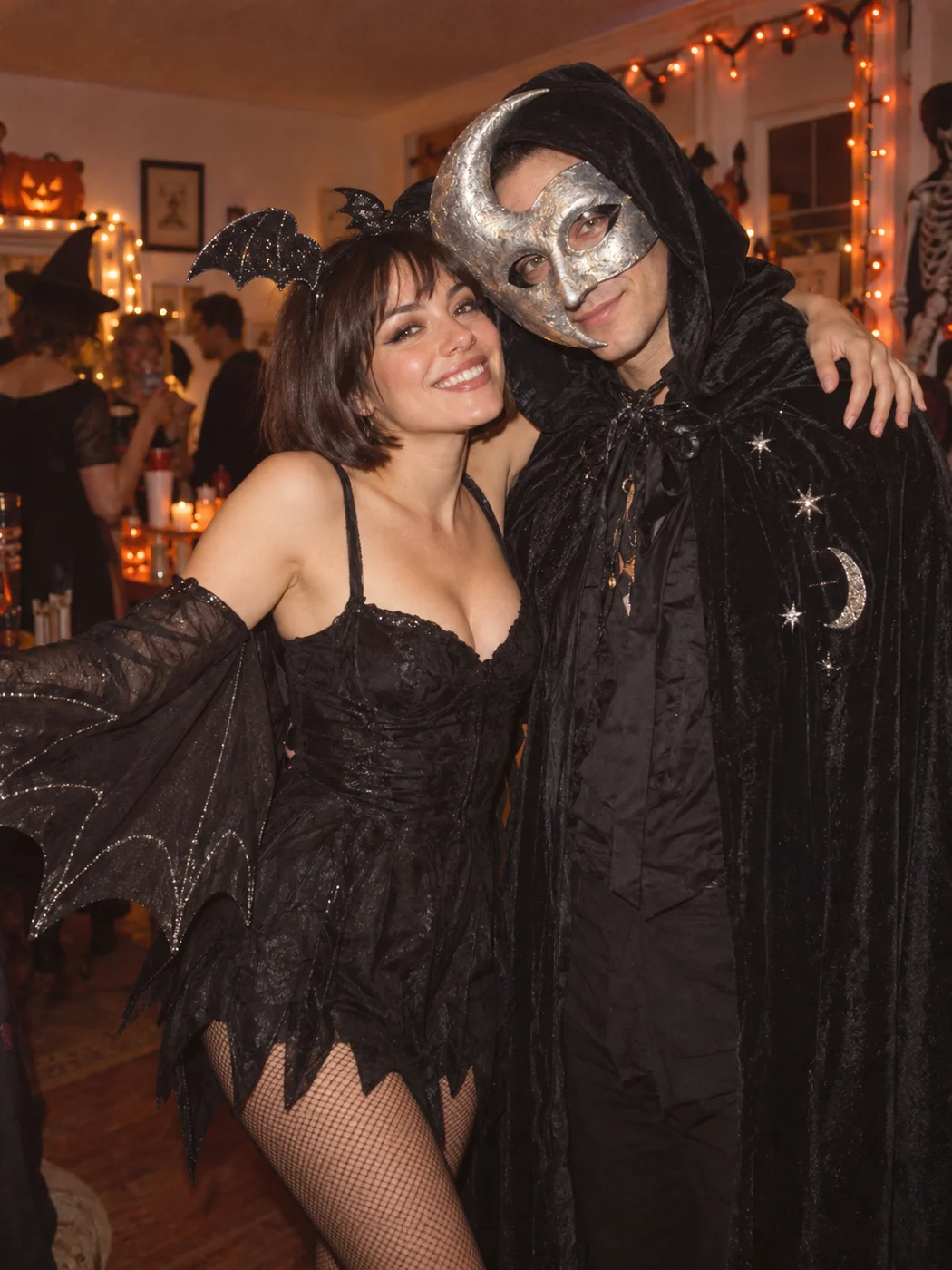 STYLE EXAMPLE
An example of the intended style. Your photo, likeness and result will vary.
YOUR LITTLE CREATIVE STUDIO
Make it your own.
Keep the idea. Add your own character.
YOUR COMPLETE PROMPT
Use the uploaded reference image to preserve the subject’s identity, age, skin tone or fur markings, and natural proportions. Create an instant-camera-style snapshot of the reference adult posing beside an original masked Halloween performer. Use direct flash, a dark party background and a slightly off-center candid composition. Add a plain cream border without text. Make one carefully composed photograph with realistic material detail and coherent lighting. Non-graphic Halloween fiction. No blood, injury, logos, captions, extra limbs, or watermarks. Composition: 9:16.
Prompt studio · generation in preparation
Browse, customize and download recipes now. In-site generation will appear here when the service is ready.
MAKE THE REFERENCE DO THE WORK
The right photo makes a difference.
Use one unobstructed portrait. State which side of the frame the reference person should occupy.
Use an image you own or have permission to edit. Choose clear, even lighting and avoid heavy beauty filters. Keep the parts of the subject that matter in frame.
If the first result needs a little help.
If the faces merge, specify two separate heads with a visible gap and describe the performer as a masked fictional character.
How to make horror instant photo.
Set up your reference
Use one unobstructed portrait. State which side of the frame the reference person should occupy.
Personalize the recipe
Choose a portrait, square or landscape frame. Use direct flash, a dark party background and a slightly off-center candid composition. Add a plain cream border without text.
Create, review and save
Copy your prompt into a compatible reference-image editor, or submit it in the enabled studio. Review identity, anatomy and lighting before sharing. Label synthetic content appropriately.
Horror Instant Photo: questions & answers.
What photo works best for horror instant photo?
Use one unobstructed portrait. State which side of the frame the reference person should occupy.
How do I make this photo effect?
Choose your framing, personalize the prompt and add a clear reference photo. Use an image editor that accepts reference photos and the complete prompt. In-site generation is available only when the studio shows it as enabled. Copying or downloading a recipe is free.
How can I improve a result that looks wrong?
If the faces merge, specify two separate heads with a visible gap and describe the performer as a masked fictional character.
Will my result match the example exactly?
Examples show the intended style or motion. They are not live outputs from your current session. AI output, exact likeness and motion quality vary by model, reference photo and prompt.
What happens to my reference photos?
Selecting a photo previews it in your browser. It is sent to storage, safety checking and the generation provider only after you explicitly submit an enabled generation with consent. Recipe downloads do not contain your photo.
A little more after-dark inspiration.
All photo recipes PHOTO RECIPE
Retro
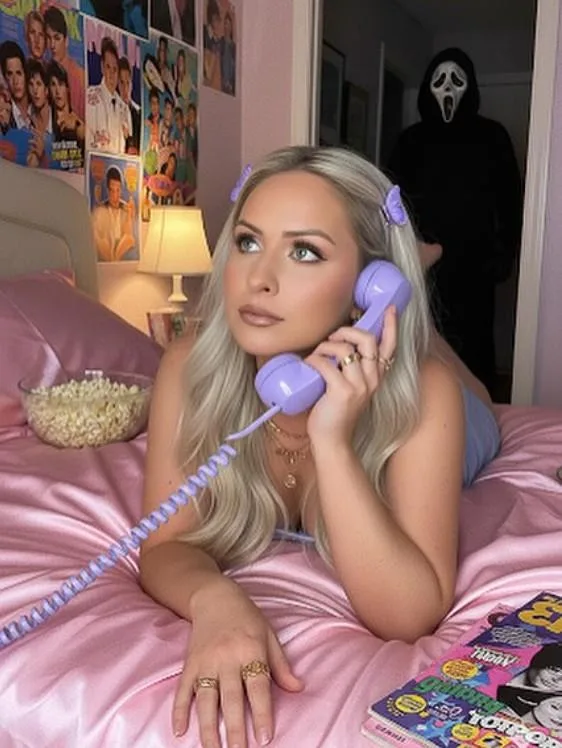
Y2K Horror Phone Photo
Place the reference adult in a nostalgic bedroom with pink satin bedding, a corded telephone and soft direct flash.
Make it your own PHOTO RECIPE
Retro
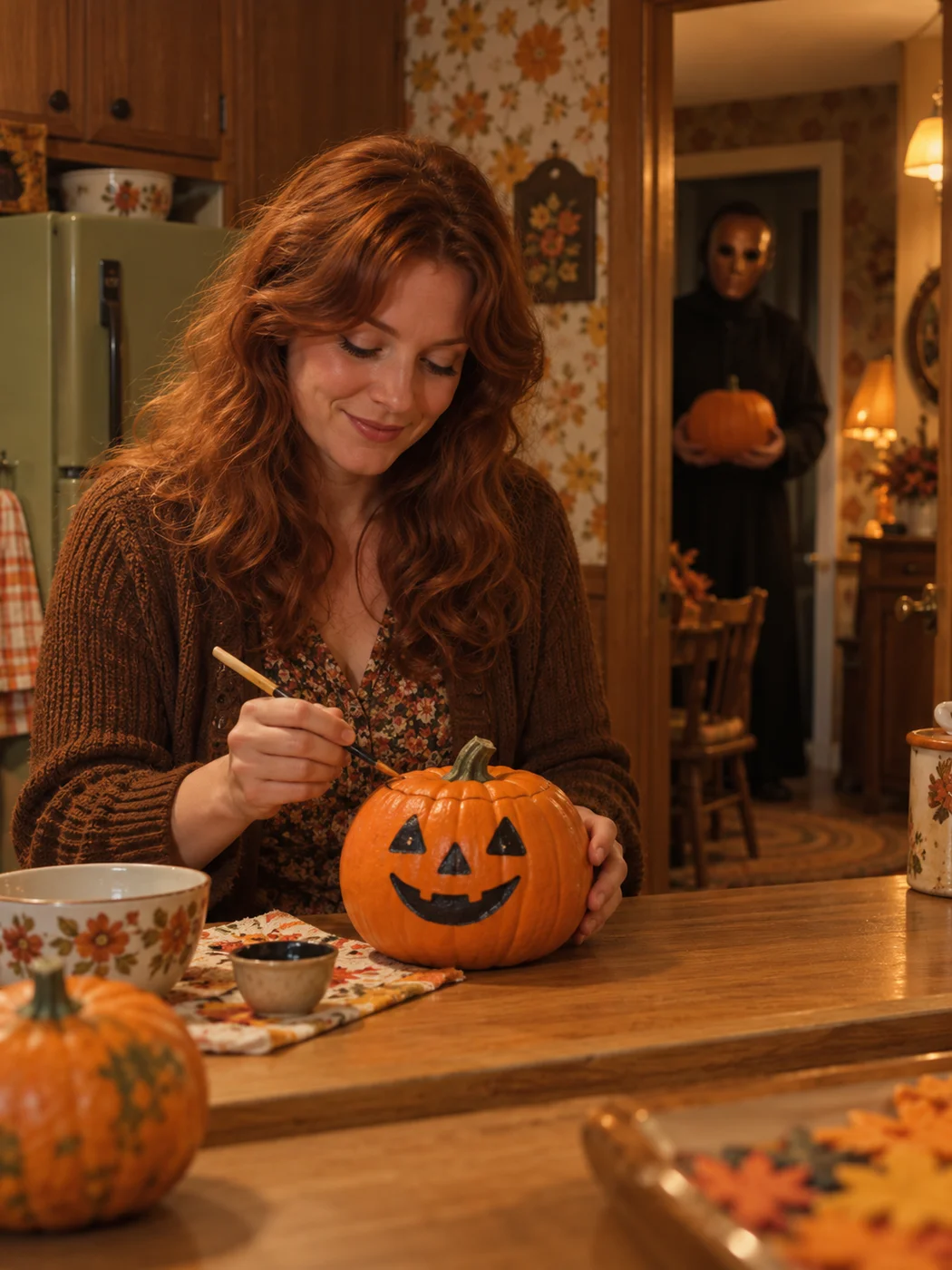
Vintage Kitchen Horror Photo
Place the reference adult in a warmly lit vintage kitchen with carved pumpkins and autumn decorations.
Make it your own PHOTO RECIPE
Retro
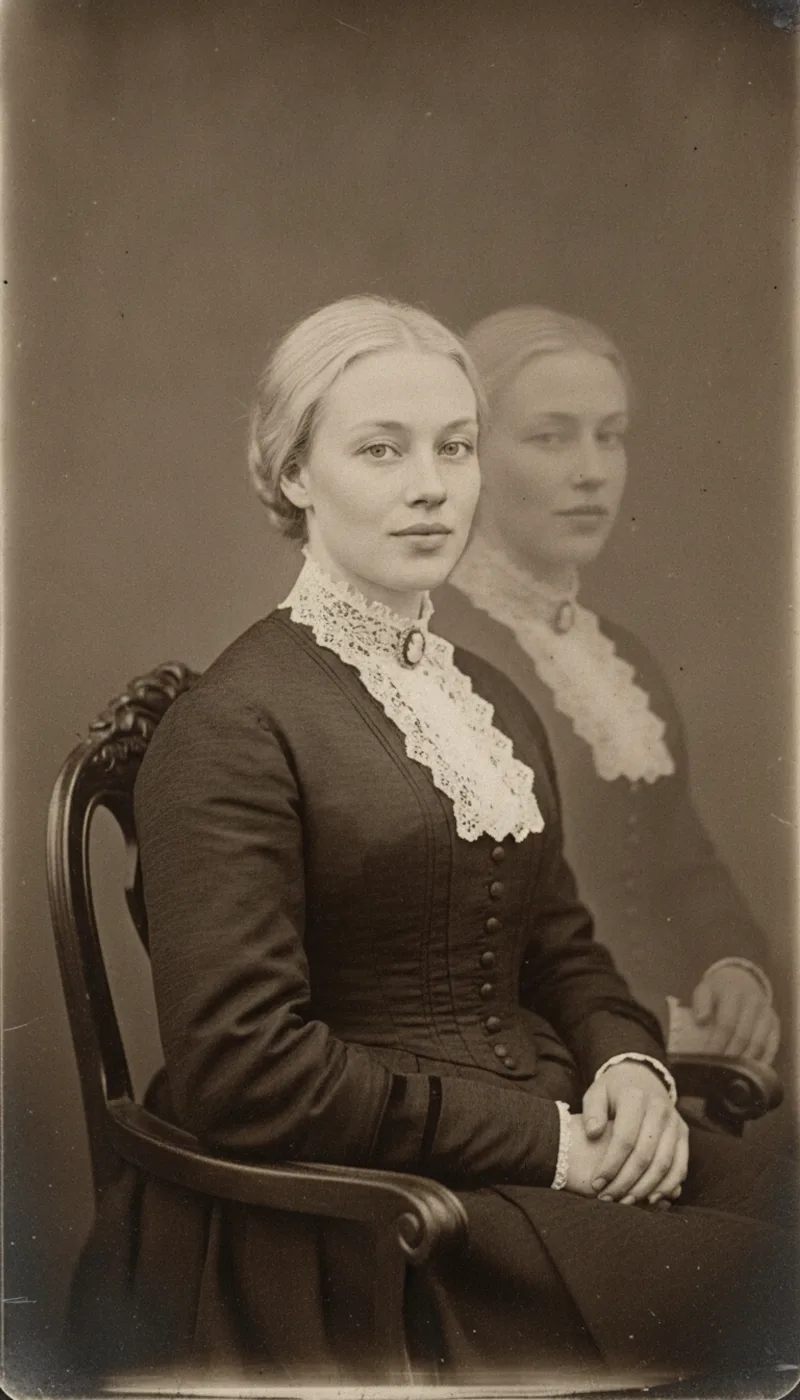
Vintage Ghost Portrait
Create a Victorian photographic portrait of the reference adult as a faint translucent figure in an antique sitting room.
Make it your own