
The lamp slowly dims as dark theatrical eye makeup appears. Fine painted crack patterns form on the costume, then the light returns.
Cursed Portrait Effect
Show the reference adult in a dim hallway with a single warm overhead lamp.
MOTION EXAMPLE
An example of the intended style. Your photo, likeness and result will vary.
YOUR LITTLE CREATIVE STUDIO
Make it your own.
Keep the idea. Add your own character.
YOUR COMPLETE PROMPT
Use the uploaded reference image to preserve the subject’s identity, age, skin tone or fur markings, and natural proportions. Show the reference adult in a dim hallway with a single warm overhead lamp. The lamp slowly dims as dark theatrical eye makeup appears. Fine painted crack patterns form on the costume, then the light returns. Make one continuous short shot. Keep the same subject and costume consistent from first frame to last. Use slow, readable movement and a stable background. Silent video, no soundtrack. Non-graphic Halloween fiction. No blood, injury, logos, captions, extra limbs, or watermarks. Composition: 9:16.
Prompt studio · generation in preparation
Browse, customize and download recipes now. In-site generation will appear here when the service is ready.
MAKE THE REFERENCE DO THE WORK
The right photo makes a difference.
Use a still adult portrait with visible eyes and a simple outfit.
Use an image you own or have permission to edit. Choose clear, even lighting and avoid heavy beauty filters. Keep the parts of the subject that matter in frame.
If the first result needs a little help.
If the output becomes graphic, place all crack effects on clothing and keep the skin intact. Avoid rapid flashing.
How to make cursed portrait effect.
Set up your reference
Use a still adult portrait with visible eyes and a simple outfit.
Personalize the recipe
Choose a portrait, square or landscape frame. The lamp slowly dims as dark theatrical eye makeup appears. Fine painted crack patterns form on the costume, then the light returns.
Create, review and save
Copy your prompt into a compatible image-to-video tool, or submit it in the enabled studio. Review identity, anatomy and motion before sharing. Label synthetic content appropriately.
Cursed Portrait Effect: questions & answers.
What photo works best for cursed portrait effect?
Use a still adult portrait with visible eyes and a simple outfit.
How do I make this video effect?
Choose your framing, personalize the prompt and add a clear reference photo. Use the motion direction for a short image-to-video shot; start with a finished still if the composition is important. In-site generation is available only when the studio shows it as enabled. Copying or downloading a recipe is free.
How can I improve a result that looks wrong?
If the output becomes graphic, place all crack effects on clothing and keep the skin intact. Avoid rapid flashing.
Will my result match the example exactly?
Examples show the intended style or motion. They are not live outputs from your current session. AI output, exact likeness and motion quality vary by model, reference photo and prompt.
What happens to my reference photos?
Selecting a photo previews it in your browser. It is sent to storage, safety checking and the generation provider only after you explicitly submit an enabled generation with consent. Recipe downloads do not contain your photo.
A little more after-dark inspiration.
All video recipes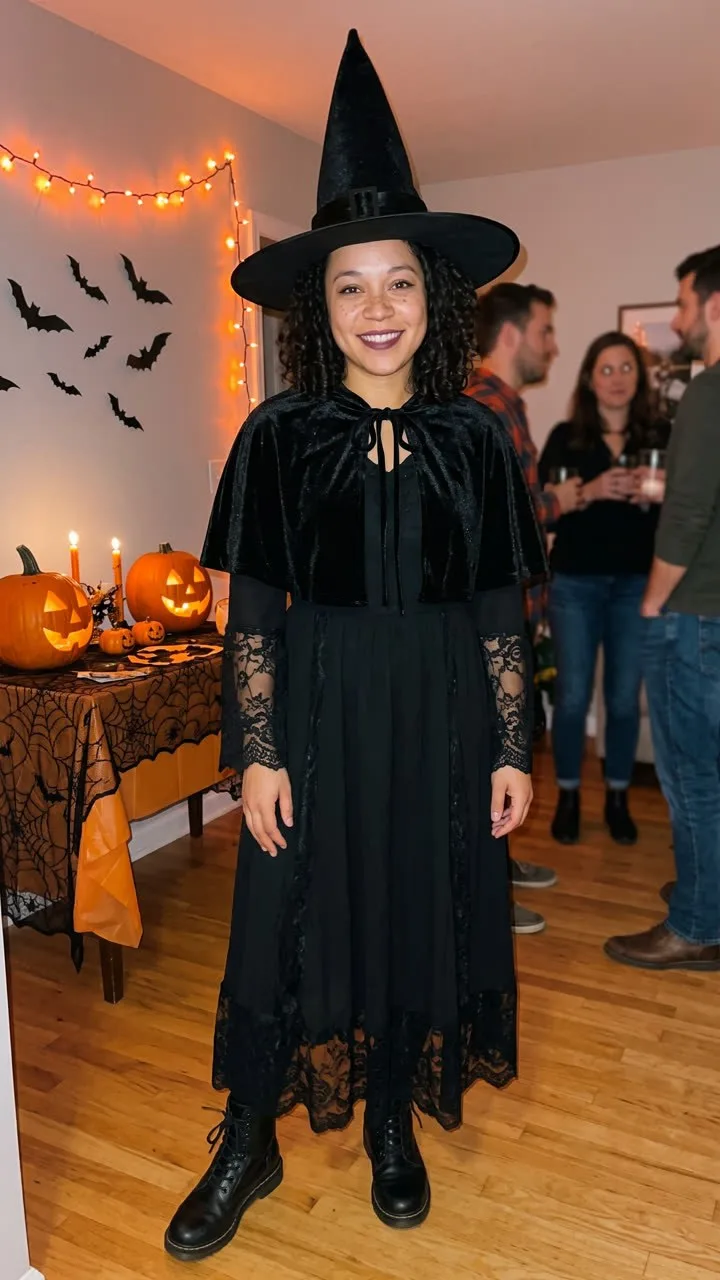
Transformations
Halloween Costume Reveal
Start with the reference person standing still in a simple autumn setting.
Make it your own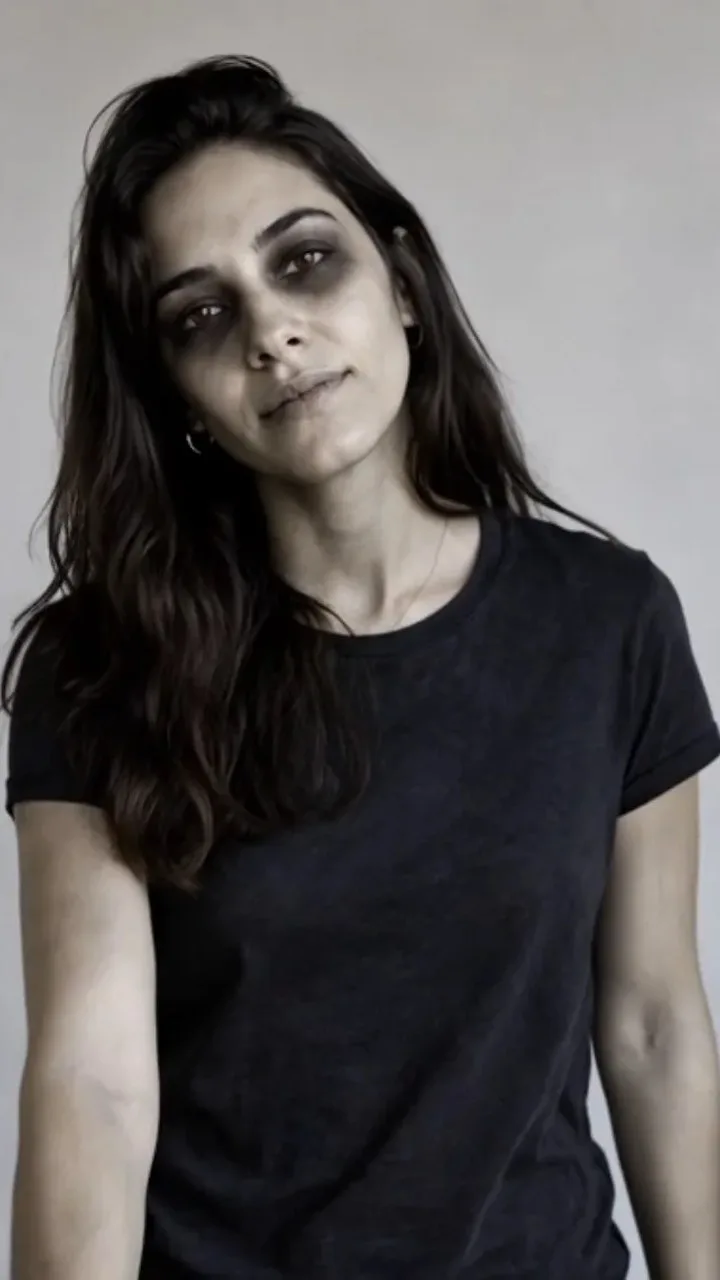
Transformations
Zombie Transformation
Begin on the reference adult in a quiet, moonlit street.
Make it your own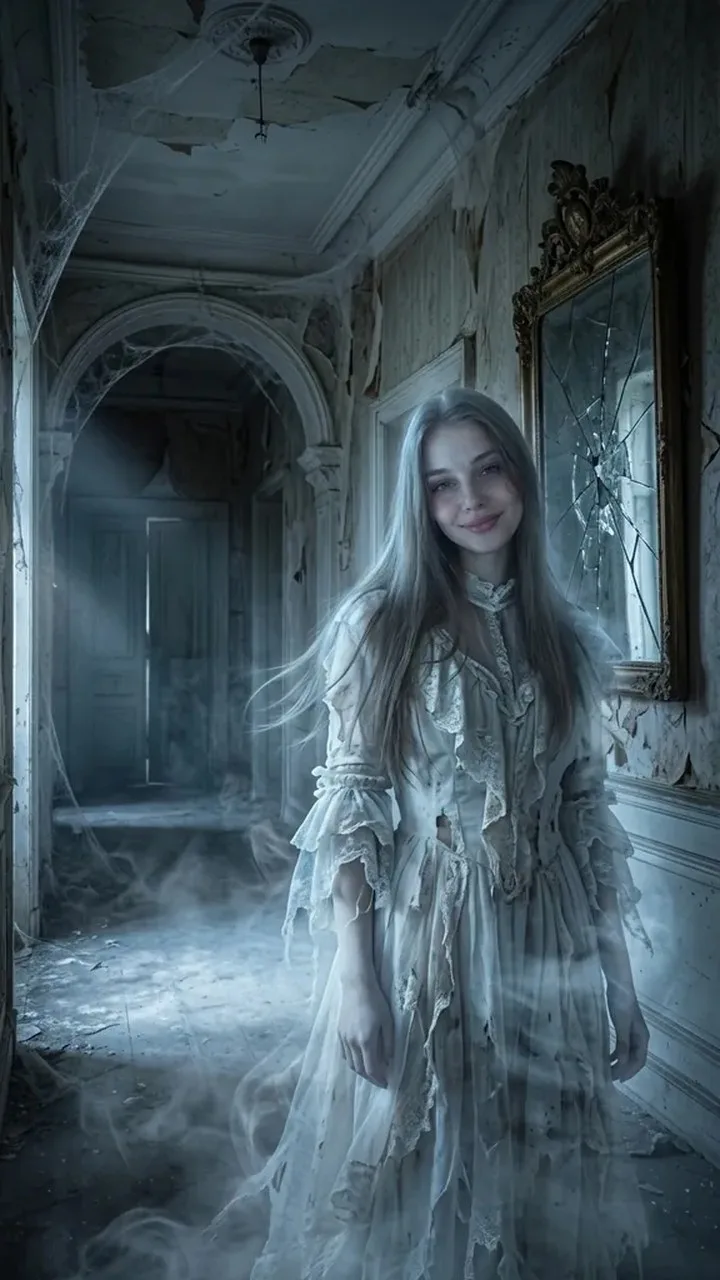
Transformations
Ghost Transformation
Start with the reference adult standing still in a dim, misty garden.
Make it your own